Find Your School District in Plymouth
Find the school district and assigned school for a Plymouth address, with official lookup links and a message to send enrollment staff.

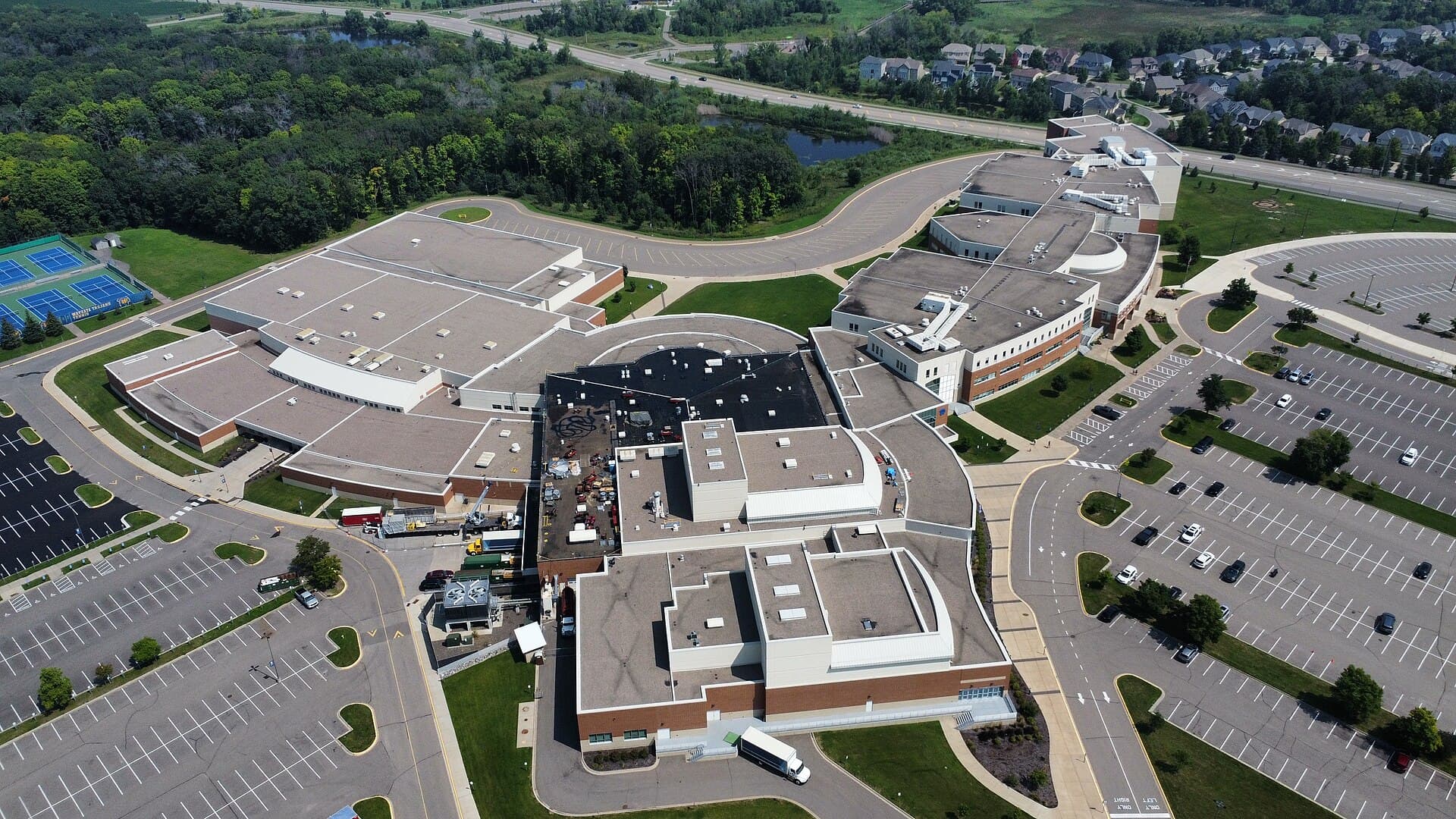
Aerial view of Wayzata High School's campus and athletic fields in Plymouth, Minnesota.
Photo: Bspor.88 · CC0Use your full street address to find your Plymouth school district, then confirm the assigned school for your student’s grade and school year. The four districts are Wayzata ISD 284, Robbinsdale ISD 281, Osseo ISD 279, and Hopkins ISD 270. Start with the official lookups below; a city name or ZIP code is not enough.
At a glance
Guide highlights
- Use the complete home address to find the resident district, then verify the assigned school directly with the district.
- Official maps can use different school-year data; check the year and resolve conflicting results with enrollment staff.
- A seller's student, a nearby campus, a ZIP code, or a listing label does not confirm a buyer's school assignment.
- Save the address, grade, intended school year, program details, transportation answer, and confirmation date together.
01
Start here: official school district address lookups
If you do not know the district, begin with the Minnesota School District Finder, entering the full street address, city, state, and ZIP code. Then use the corresponding district resource below. The statewide map is a starting point; the district should confirm the current assignment.
Wayzata ISD 284: Open Wayzata School Search, enter the home address, and save the district and school results. Its Welcome Center can resolve questions about a move or an address that does not appear.
Robbinsdale ISD 281: Open the Robbinsdale enrollment page and select School Finder. The same page links school-year boundaries and enrollment help. Check the student's grade when reviewing the assignment.
Osseo ISD 279: Open the Osseo School Finder. Use the current school-year result and contact enrollment staff if it differs from a previous lookup.
Hopkins ISD 270: Open Hopkins Boundaries and Maps and choose Find Your School. Save the address result and confirm the appropriate grade and school-year placement with enrollment staff.
02
Check the map year before trusting the result
On September 22, 2026, the Minnesota Legislature's School District Finder labels its attendance data 2025–26. Osseo's official locator identifies 2026–27 boundaries. This is a practical reason to check the map's data year instead of assuming every official tool updates at the same time.
For a move during the current school year, ask about the student's actual start date. For a later move, name the future school year explicitly and ask whether that year's assignment is final. Keep a copy of the response with the date; a current answer should not be treated as a permanent promise about future boundaries.
03
Resident district, assigned school, and open enrollment are different
Resident district means the public school district associated with the residence. Assigned school means the school serving that address for the student's grade under the applicable attendance rules. Choice-program placement concerns access to a particular option, which may involve a separate application. Write down each answer separately.
For example, a seller’s student might attend another district through a separate enrollment arrangement. Ask about your student’s assignment at the property address; the seller’s placement may not transfer to you.
The Minnesota Department of Education's open enrollment guidance describes applying to a district outside the resident district. Application timing, acceptance, and transportation must be checked separately. MDE notes that families generally arrange transportation, with exceptions and other options. Confirm the arrangement directly before relying on it in a home decision.
04
A five-step check before buying or renting in Plymouth
1. Save the complete address. Include the street direction, unit number when applicable, city, and ZIP code. For a new-construction home, also save the parcel information and development name so enrollment staff can identify the property if the street is not yet in the locator.
2. Find the district. Use the statewide finder as an initial check, then open the district's official lookup. Make sure the map pin points to the intended home. If it lands on a different street or appears close to a boundary, ask staff to resolve the address rather than estimating from the map.
3. Check the grade and school year. Record the assigned school for each student, not just the district name. Ask about the next school transition if your student will soon move from elementary to middle school or from middle to high school.
4. Confirm program and daily logistics. Ask whether a desired program requires an application or placement offer. Check transportation eligibility, before- and after-school care, and the process for enrolling after a move. These may involve different offices.
5. Save written confirmation. Keep the locator result and the enrollment response with the address, date, grade, and school year. If the lookup and listing disagree, resolve the difference before treating the listing's school information as verified.
Swipe across to read the full table →
| Field | Record this | Why it matters |
|---|---|---|
| Property | Complete address and parcel if needed | Avoid a similar address or an incorrect map pin |
| Timing | Move date, grade, and school year | Match the assignment to the intended enrollment |
| District and school | Resident district plus assigned school | Keep the district boundary separate from attendance |
| Program | Application and placement status | Distinguish an available option from confirmed access |
| Transportation | Eligibility and confirming office | Check the daily route independently |
| Evidence | Lookup date and written district response | Keep the answer and its conditions together |
05
A message to send the district's enrollment office
Address and assignment: We are considering a move to [full property address], with an expected move date of [date]. Our student will enter [grade] in [school year]. Please confirm whether this is a resident address in your district and which school would be assigned. Are any approved boundary changes or placement conditions relevant to that year?
Programs and transportation: We are interested in [program, if applicable]. Is that part of the address assignment or does it require an application and acceptance? Which office can confirm transportation and the documents needed to enroll? If this is a new address, what parcel or builder information would help you verify it?
Send student-specific support or records questions through the district's appropriate enrollment or student-services channel. The initial address inquiry only needs enough detail to identify the property, grade, school year, and questions you need answered.
06
What to do when a listing and school locator disagree
First check whether both results use the same complete address, grade, and school year. Then ask enrollment staff to explain the difference and confirm the current assignment in writing. A nearby school, a ZIP-code search, a neighborhood label, or another resident's enrollment can each produce a misleading shortcut.
For new construction, ask whether the district can verify the parcel before the street address is searchable. For a property near a boundary, provide the full address and parcel information instead of a rough map location. If staff cannot yet confirm a future assignment, leave that item unresolved in your comparison rather than treating the hoped-for school as certain.
After confirming the assignment, use the Plymouth public schools comparison guide for school data, programs, and tour questions. The moving to Plymouth guide covers the other property and daily-life checks that belong beside the school decision.
Planning note
I would make school verification a specific item on the property checklist: full address, intended grade and year, district response, and anything still unresolved. That gives you an answer tied to the home you are considering.

Keep your Plymouth research moving
Connect this question to the whole move.
Use these related guides to organize the remaining questions, then talk through the details of a specific home.
Frequently asked questions
What public school district am I in if I live in Plymouth, MN?
Can I find my Plymouth school district from my ZIP code?
Is every home near Wayzata High School in Wayzata schools?
What if the Minnesota map and district locator show different schools?
How do I check the school district for a new-construction home?
Sources and verification
These are the public sources used for facts that can change. For an address-specific decision, verify the current details before you act. Read our research standards.
- City of Plymouth — four school districts serving Plymouth
- Minnesota Legislature — School District Finder and attendance-data year
- Wayzata Public Schools — School Search
- Robbinsdale Area Schools — enrollment and School Finder
- Osseo Area Schools — current School Finder and boundary maps
- Hopkins Public Schools — Boundaries and Maps
- Minnesota Department of Education — Open Enrollment
Written by
Bryce CaldwellBryce Caldwell is a RE/MAX Results agent who knows the Lake Minnetonka corridor and the Twin Cities west metro. Full-time since 2022 with a 5.0 Zillow rating across 27 reviews, he gives buyers and sellers honest, no-pressure guidance — and writes these guides.
Keep reading
Keep exploring Plymouth
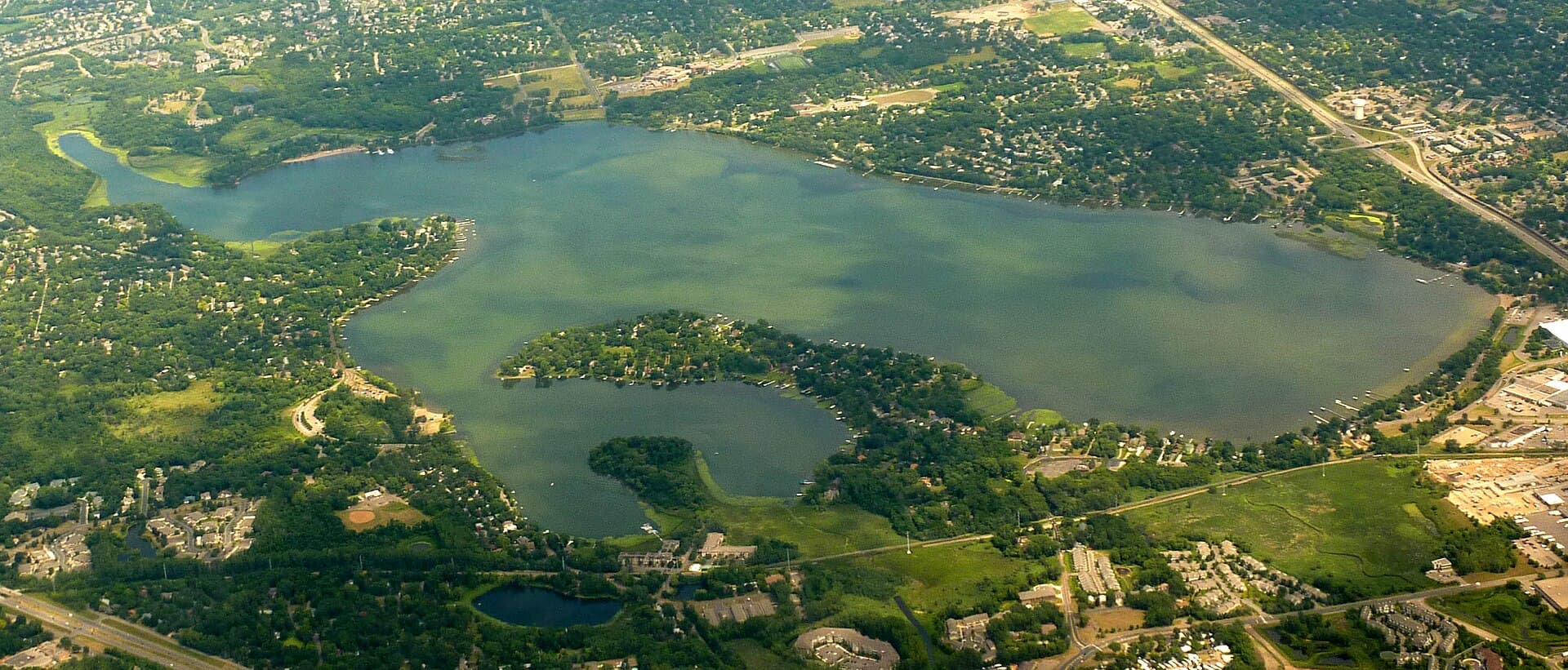 Photo: Bobak Ha'Eri · CC BY 3.0
Buyer guide / 8 min read
Medicine Lake Area Homes: A Plymouth Buyer's Guide to Lake Access
Compare direct shoreline, shared access, lake views, and public-park proximity around Medicine Lake, with the records to check before buying.
Read the guide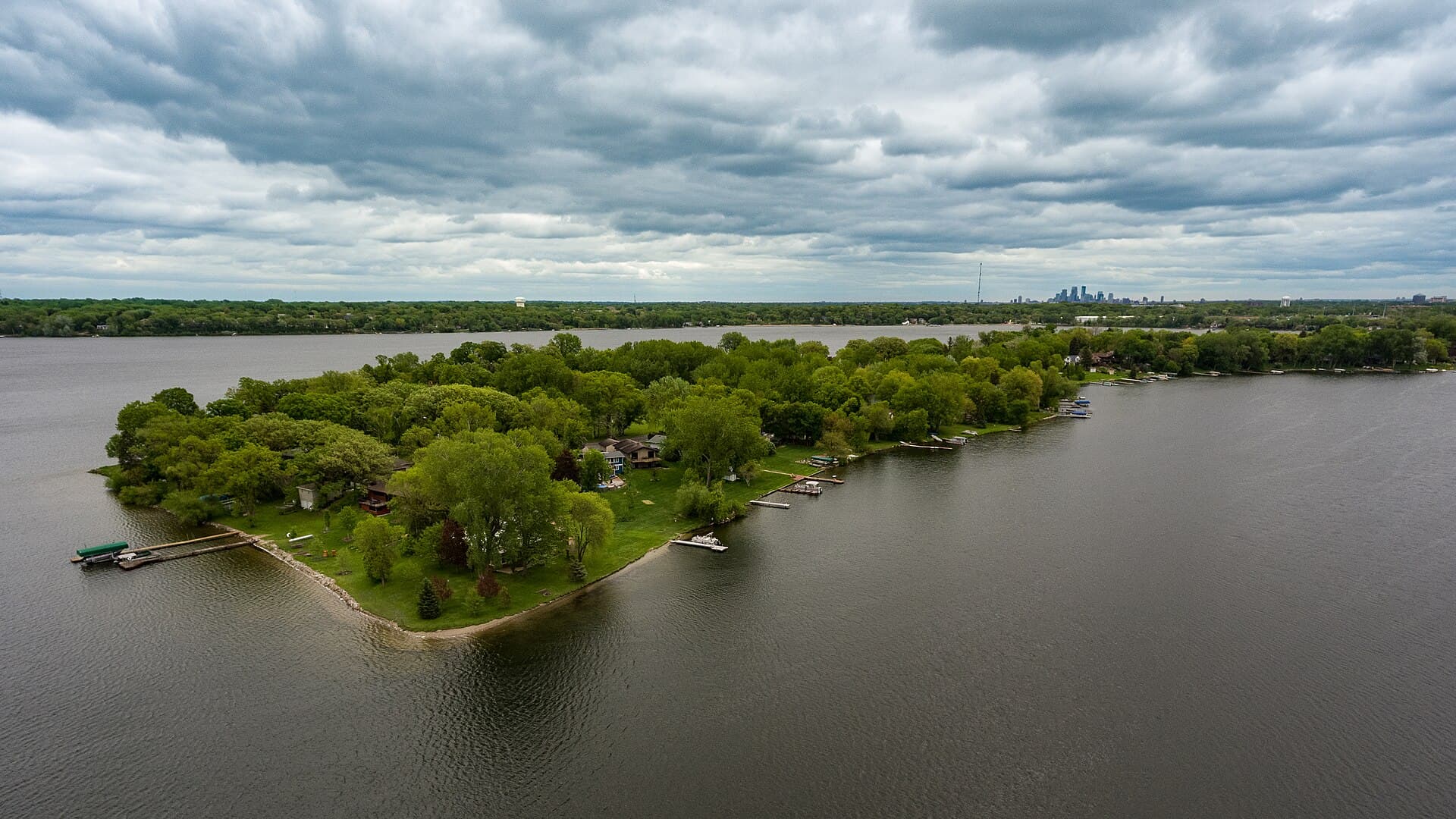 Photo: Tony Webster · CC BY 2.0
Neighborhood guide / 8 min read
Plymouth Parks and Trails: How to Compare Nearby Homes
Find the right entrances at French, Parkers Lake, and Eagle Lake, then compare the routes and seasonal access from nearby Plymouth homes.
Read the guide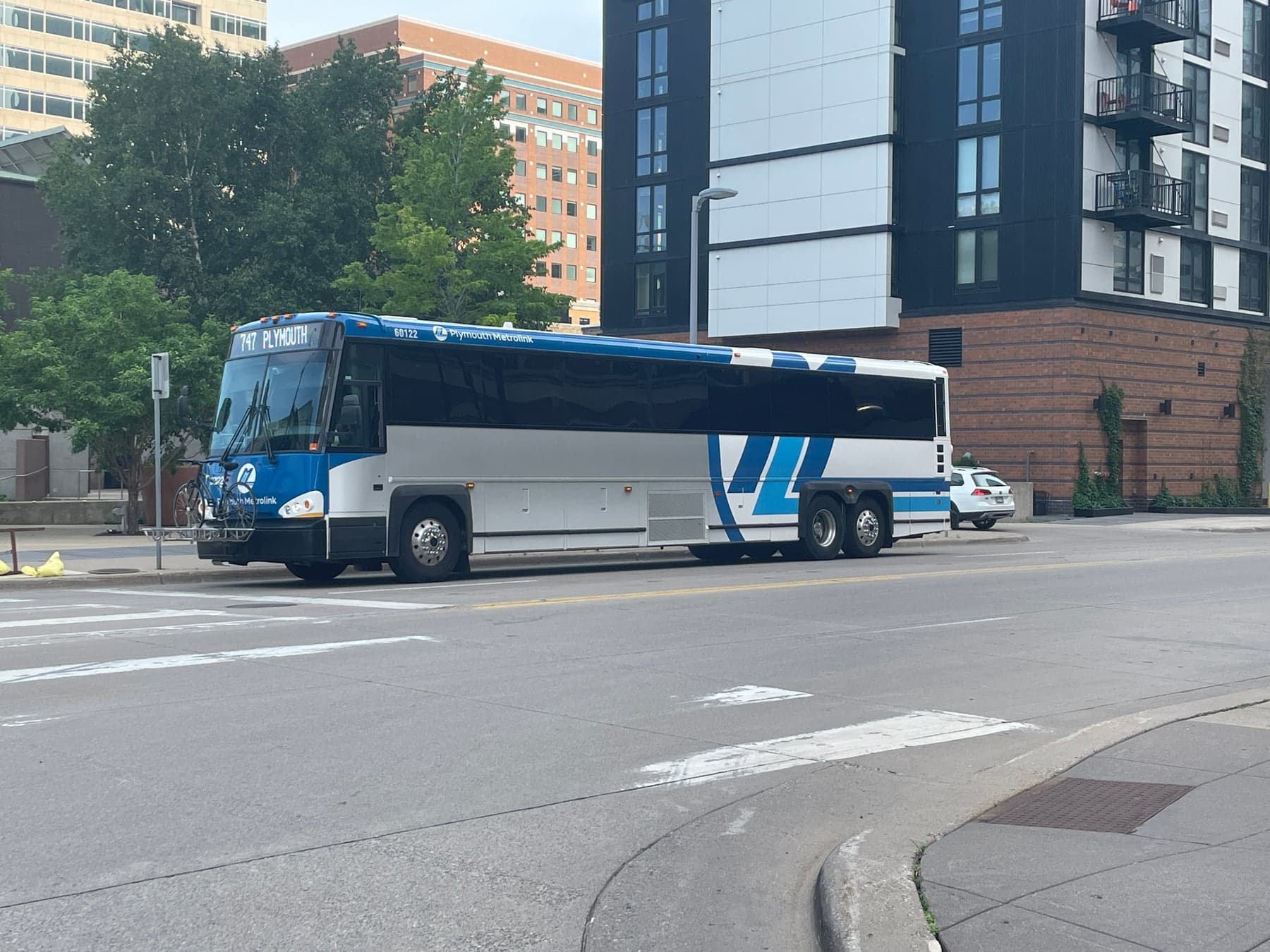 Photo: Eóin · CC BY-SA 4.0
Relocation / 8 min read
Plymouth to Minneapolis Commute: Routes, Transit and a Homebuyer's Checklist
Compare driving and transit from a Plymouth home, including Metrolink routes, park-and-ride locations, Click-and-Ride, and the return trip.
Read the guide